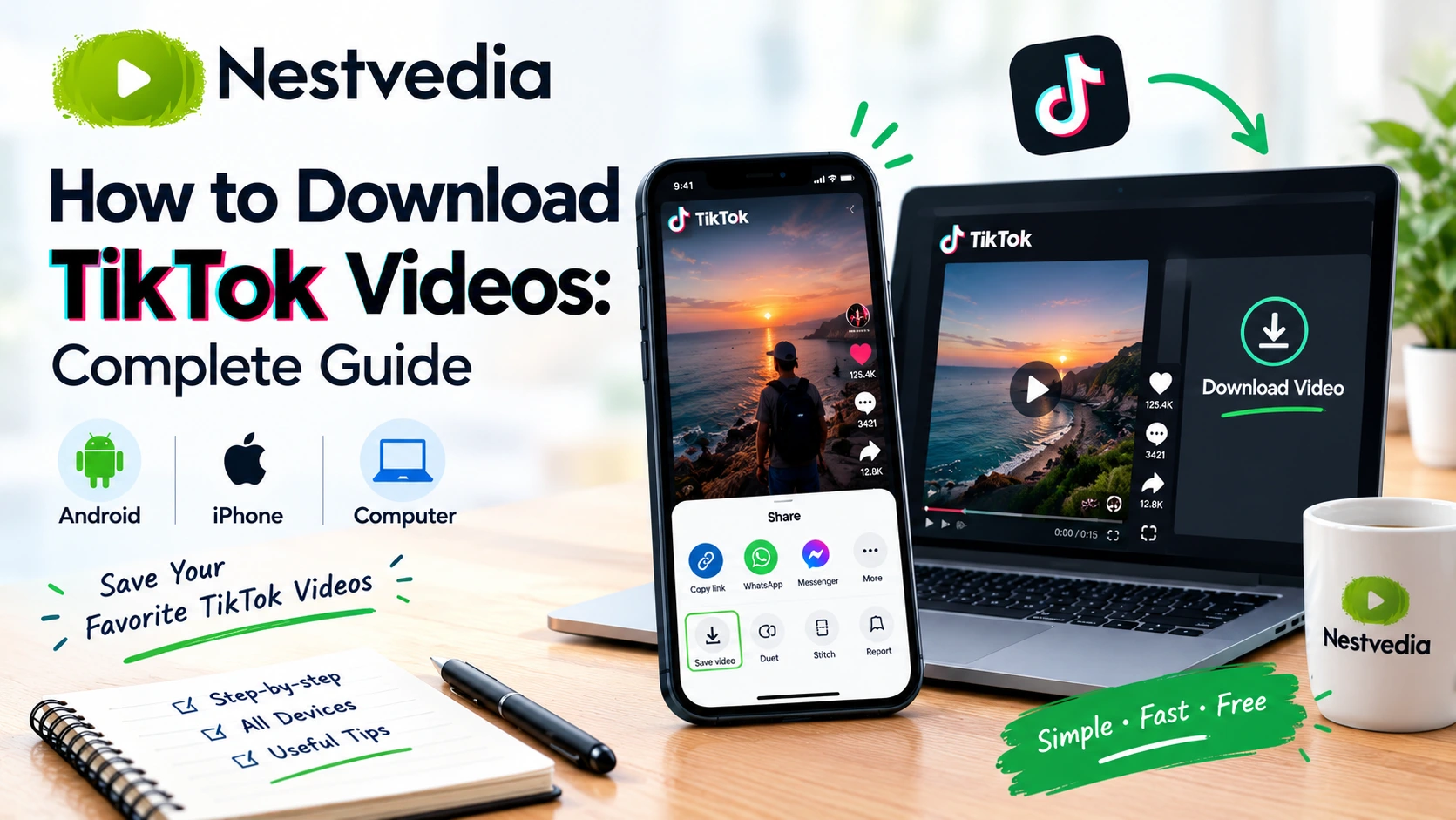
How to Download TikTok Videos: Complete Guide
TikTok videos cover everything from educational tutorials and recipes to travel clips and entertaining short videos. Sometimes, you may want to save a useful clip to watch later, keep a copy of your own content, or access a video when you are offline. However, the available download options depend on the creator’s settings, the video and your device.
If you want to download video from TikTok, this guide explains the available methods for Android, iPhone and computer. You will learn how to use TikTok’s built-in download feature, how browser-based tools work, where to find saved files, and how to solve common download problems.
At Nestvedia, our goal is to make online tools easier to understand. Follow the steps below to choose a suitable method while respecting creators’ rights and protecting your privacy.
How to Download Video from TikTok Using the Official App
TikTok provides a built-in option to save eligible videos. However, the creator can control whether other users can download their content. If the Save video option is missing, downloads may not be enabled for that post.
Step-by-step instructions
-
Open the TikTok app on your phone.
-
Find the video you want to save.
-
Tap the Share button on the video.
-
Look for Save video in the available options.
-
Tap it and wait for the download to finish.
-
Open your phone’s Photos, Gallery or video folder to find the saved clip.
If you cannot see the save option, check whether the creator allows downloads. You can also bookmark the video within TikTok if you only want to find it again later.
Important: Bookmarking a video saves a reference to the post; it does not download a separate video file to your device.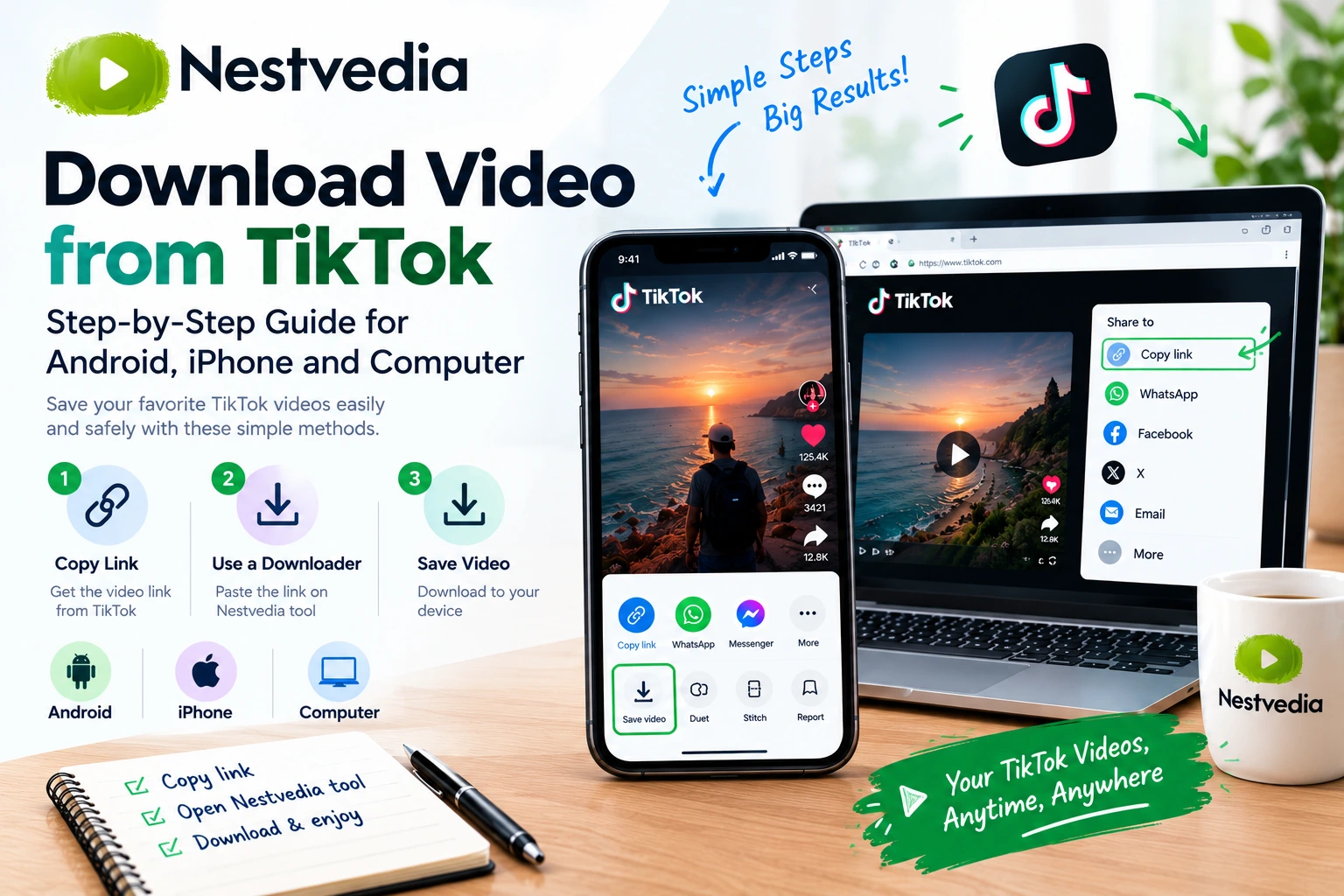
How to Download TikTok Videos on Android
Android users can usually check TikTok’s built-in saving option first. If the creator permits downloads, this is a straightforward way to save a video.
Method 1: Save a video in TikTok
-
Launch TikTok on your Android phone.
-
Open the video you want to save.
-
Tap Share.
-
Select Save video, if available.
-
Wait for TikTok to complete the process.
-
Open Google Photos, Gallery or your file manager to locate the video.
The exact location depends on your phone and its media settings.
Method 2: Use an online TikTok video downloader
A browser-based downloader may offer another option for videos you are authorised to save, depending on the service and its functionality.
-
Open TikTok and navigate to the relevant video.
-
Tap Share, then select Copy link.
-
Open your browser and visit a reputable video-downloader tool.
-
Paste the copied link into the input field.
-
Follow the website’s instructions.
-
If a supported download option is provided, select it.
-
Check your browser’s Downloads list or your phone’s file manager.
For a convenient workflow, you can use the Nestvedia TikTok downloader for this: open the tool page, paste the copied link, and follow the download steps shown there.
Be cautious with websites that require your TikTok password, request unnecessary permissions, or ask you to install unknown APK files. You should not need to share your account credentials just to process a public video link.
How to Download TikTok Videos on iPhone
iPhone users can save eligible TikTok videos directly from the app. Depending on the method and iOS version, a downloaded file may appear in Photos or Files.
Method 1: Use TikTok's Save Video Option
-
Open TikTok on your iPhone.
-
Find the video you want to save.
-
Tap the Share button.
-
Select Save video, if the option appears.
-
Wait for the download to complete.
-
Open the Photos app and check your recent videos.
TikTok confirms that the Save video option is available only when the creator allows downloads. If the option is missing, the creator may have disabled it.
Method 2: Use Safari to Download an Eligible Video
If you have permission to save a video and a compatible browser-based service supports it, follow these general steps:
-
Open TikTok and navigate to the video.
-
Tap Share, then choose Copy link.
-
Open Safari and visit a reputable downloader.
-
Paste the video link into the tool.
-
Follow the website's instructions.
-
If a supported download option is available, select it.
-
Check Safari's Downloads list or the Files app.
If you want the video in Photos, open the downloaded file and use the iPhone's Share menu to save it, where supported.
Safety tip: Avoid websites that display repeated pop-ups, request your TikTok password or ask you to install unfamiliar configuration profiles. A public video link should not require you to share your account credentials.
How to Download TikTok Videos on a Computer
A computer can be useful when you want to organise video files into folders or watch them on a larger screen.
Method 1: Download Directly from TikTok
-
Open TikTok in your browser.
-
Find the video you want to save.
-
Open the video's sharing options.
-
Check whether a download option is available.
-
If supported, select it and follow the prompts.
-
Open your browser's Downloads section or the computer's Downloads folder.
TikTok's official instructions primarily describe saving videos through the app's Share menu. The available options may vary by post and device.
Method 2: Use a Browser-Based TikTok Downloader
A compatible online tool may offer another way to process a video link when you have the right to save the content.
-
Open the TikTok video page.
-
Copy the URL from the address bar.
-
Visit a reputable video-downloader tool.
-
Paste the URL into the input field.
-
Review the available options.
-
Select a supported download option, if provided.
-
Check your Downloads folder and play the file to confirm it works.
For a convenient workflow, you can use the Nestvedia TikTok Downloader for this: open the tool page, paste the video URL, and follow the download steps shown there.
TikTok Video Download Methods Compared
|
Method |
Best for |
Main limitation |
|---|---|---|
|
TikTok's built-in save option |
Saving eligible videos directly |
Creator must allow downloads |
|
Browser-based downloader |
Supported links and compatible devices |
Availability and safety vary by service |
|
Bookmark or favourite |
Finding a video again later |
Does not save a separate file |
|
Saving your own video before posting |
Keeping a personal copy |
Must be enabled or selected before posting, where available |
Which method should you choose? Start with TikTok's built-in Save video feature. If it is unavailable, consider bookmarking the post or asking the creator for a copy or permission. A third-party tool should not be used to bypass privacy settings or access restrictions.
Why Can't I Download a TikTok Video?
If your download fails, the issue may relate to the creator's settings, your device or the tool you're using.
1. The Save Video Option Is Missing
TikTok lets creators control whether other people can download their videos. When downloads are disabled, the Save video option will not appear.
What to do: Check the sharing menu. If saving is not available, bookmark the video or ask the creator for permission and a copy.
2. The Download Link Does Not Work
A third-party tool may not support a particular link, or the post may have been removed or restricted.
What to do:
-
Copy the link from the original video page.
-
Check that the post is still accessible.
-
Make sure the URL is complete.
-
Try the tool's supported browser or instructions.
-
Do not attempt to bypass private-account restrictions.
3. The Video Is Missing from Gallery or Photos
A downloaded file may be stored in a browser's Downloads folder or your device's file manager rather than your media library.
What to do: Check Downloads, Files or your browser's download history. If the file is there, use your device's available save or share options to move it to Photos or Gallery.
4. The Downloaded Video Has Poor Quality
The original upload, processing method or available file option can affect video quality. Not every service provides the original resolution.
What to do: Check the original video first. If you are authorised to save it, select the highest quality the supported method genuinely offers. An HD label alone does not guarantee the original resolution.
5. The Website Requests Your Password
A video downloader should not need your TikTok password simply to process a public video URL.
What to do: Do not enter your credentials. Close suspicious pages, avoid unknown downloads and use a safer alternative.
How to Download Your Own TikTok Videos
If you create TikTok content, keeping a backup can help you reuse your own footage or protect against accidental loss.
Save Your Video Before Posting
TikTok provides a setting to save content to your device before publishing.
-
Open TikTok and create or upload your video.
-
Continue to the Post screen.
-
Open More options.
-
Turn on Save to device, if available.
-
Complete the publishing process.
TikTok also explains that creators can use the Save option in the editing side panel to download a single photo or video post.
For important content, keep an original copy of your footage and any music or other assets you have the rights to use.
Is It Safe and Legal to Download TikTok Videos?
Before you download video from TikTok, consider both online safety and copyright.
-
Respect the creator: A publicly viewable video is not automatically free to reuse.
-
Check permission: Download your own videos or content you have permission or a lawful basis to save.
-
Follow TikTok's rules: Review TikTok's Terms of Service and Copyright Policy.
-
Protect private content: Do not use download tools to bypass access restrictions or save private content without permission.
-
Avoid risky websites: Never provide your password to an unfamiliar downloader or install suspicious software.
Remember that downloading a video does not automatically give you the right to repost it, remove attribution or use it commercially.
FAQ's
1. How can I download video from TikTok for free?
You can use TikTok's built-in Save video option when the creator allows downloads. Other compatible methods may be available for content you are authorised to save. Features and availability vary.
2. Why can't I save a TikTok video?
The creator may have disabled downloads, or the post may have restrictions. TikTok's official guidance confirms that the Save video option is unavailable when the creator does not allow downloads.
3. Can I download TikTok videos without an app?
You can check the available options on TikTok's website or use a compatible browser-based service for eligible content. Be cautious of unfamiliar sites and avoid sharing account credentials.
4. Where are downloaded TikTok videos saved?
On Android, check Gallery, Google Photos or your Downloads folder. On iPhone, check Photos, Files or Safari's Downloads list. On a computer, check your browser's Downloads section or the Downloads folder.
5. Can I download TikTok videos without a watermark?
This depends on the available saving method and the video. Do not assume every tool can provide a watermark-free copy. Respect creator attribution and avoid removing watermarks to misrepresent ownership.
Try Nestvedia’s TikTok Video Downloader
Want a simple way to download TikTok videos? Try the Nestvedia TikTok Video Downloader to explore the available downloading options. Simply follow the tool’s instructions and use it only for videos you’re permitted to save. Always respect creators’ rights and TikTok’s download settings.
Final Thoughts
Learning how to download video from TikTok is easier when you understand the available options on each device. Android and iPhone users can start with the app's Share menu, while computer users can check the available options on TikTok's website.
If the Save video option is missing, remember that the creator may have disabled downloads. Bookmarking a post or asking for permission can be a better alternative than trying to bypass restrictions.
Nestvedia aims to make online tools and digital tasks easier to understand. Choose a method that suits your device, protect your privacy and respect the rights of the people who create the videos you enjoy.
Continue reading